Brand, language and title templates
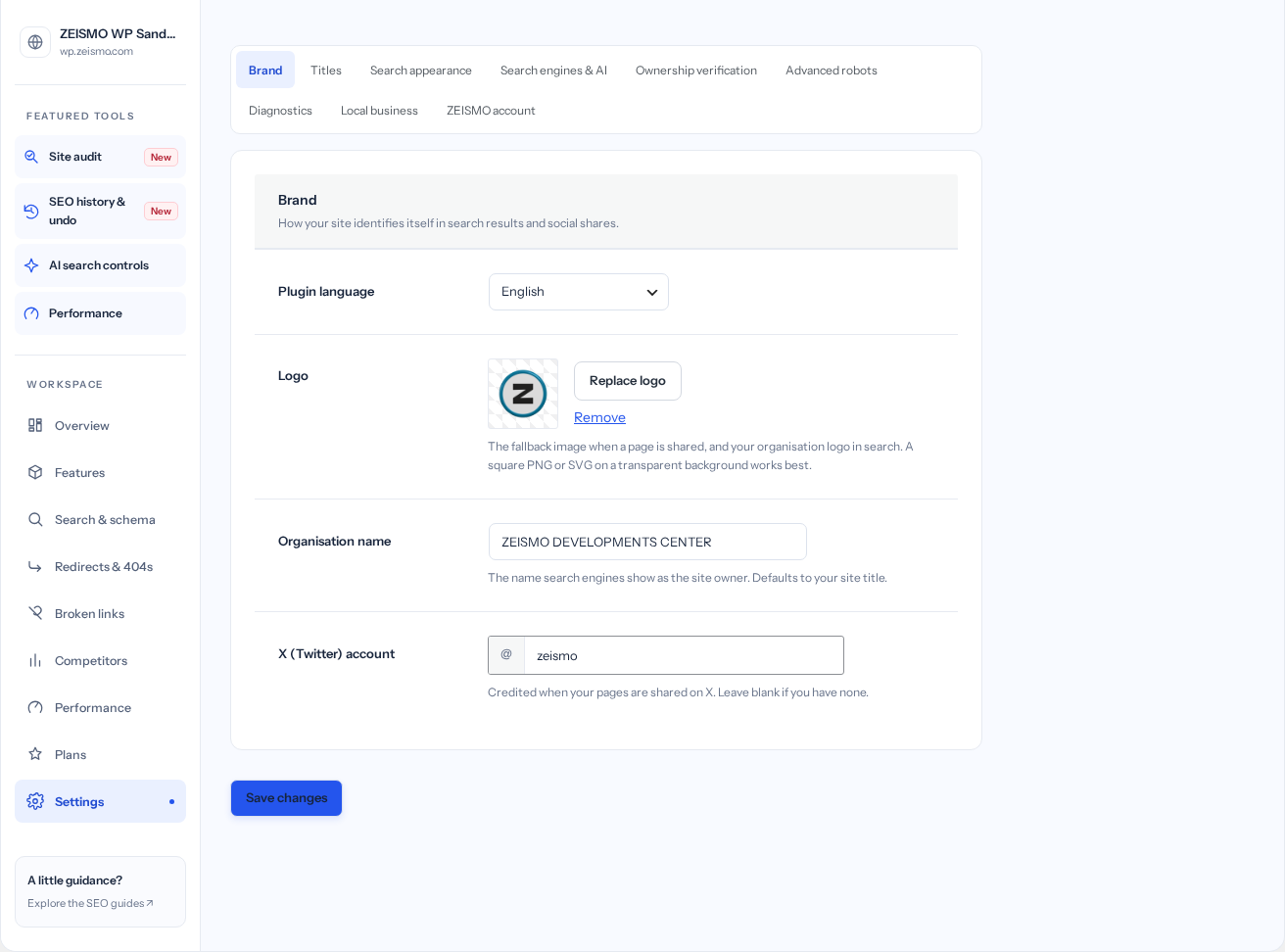
- Open Settings → Brand.
Review the organization name, logo and social account. Choose the plugin language if you want it to differ from WordPress.
- Open Titles.
Review the title templates for your content types. Use the tokens listed beside the controls, then check an actual page in the editor.
- Review Search appearance.
Choose how archives, attachment pages and other site-wide outputs should behave. These settings can affect multiple URLs.
- Save your changes.
Select Save changes, reopen the relevant section and confirm the saved values.
Sitemap and search controls
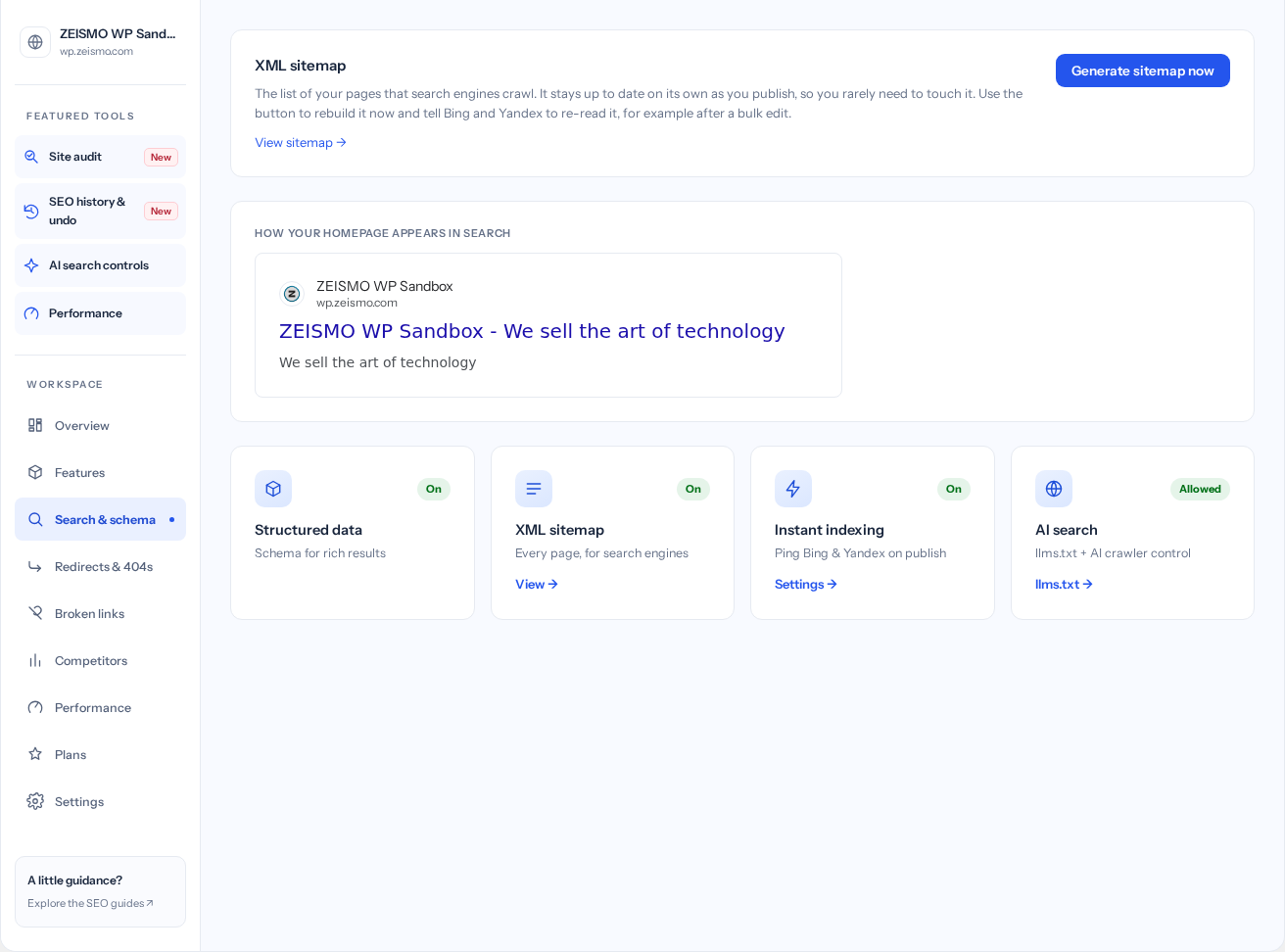
- Open Search & schema.
Select View sitemap and confirm that the XML opens. Use the link shown by your installation rather than guessing a sitemap address.
- Check a published page.
Find its URL in the relevant sitemap. If it is absent, review publication status, noindex and the page's sitemap exclusion setting.
- Regenerate when needed.
Use Generate sitemap now if the sitemap needs refreshing after changes. Then open it again.
- Review Search engines & AI.
In Settings, review IndexNow, missing-image-alt defaults and AI crawler preferences. A crawler directive communicates a preference; it is not an access-control system.
Check your result: Your sitemap opens and includes the published, eligible URLs you intended. Sitemap inclusion does not guarantee indexing.
Site identity and structured data
Site identity feeds the plugin's structured data. For a local business, open Settings → Local business, enable the profile when appropriate, and enter your actual address, contact details and opening hours. Save changes.
For an individual page, use Advanced settings → Page type (schema) in the editor. FAQ and How-to fields should match visible page content. Availability of individual capabilities is shown in Features.
Connect Google Search Console
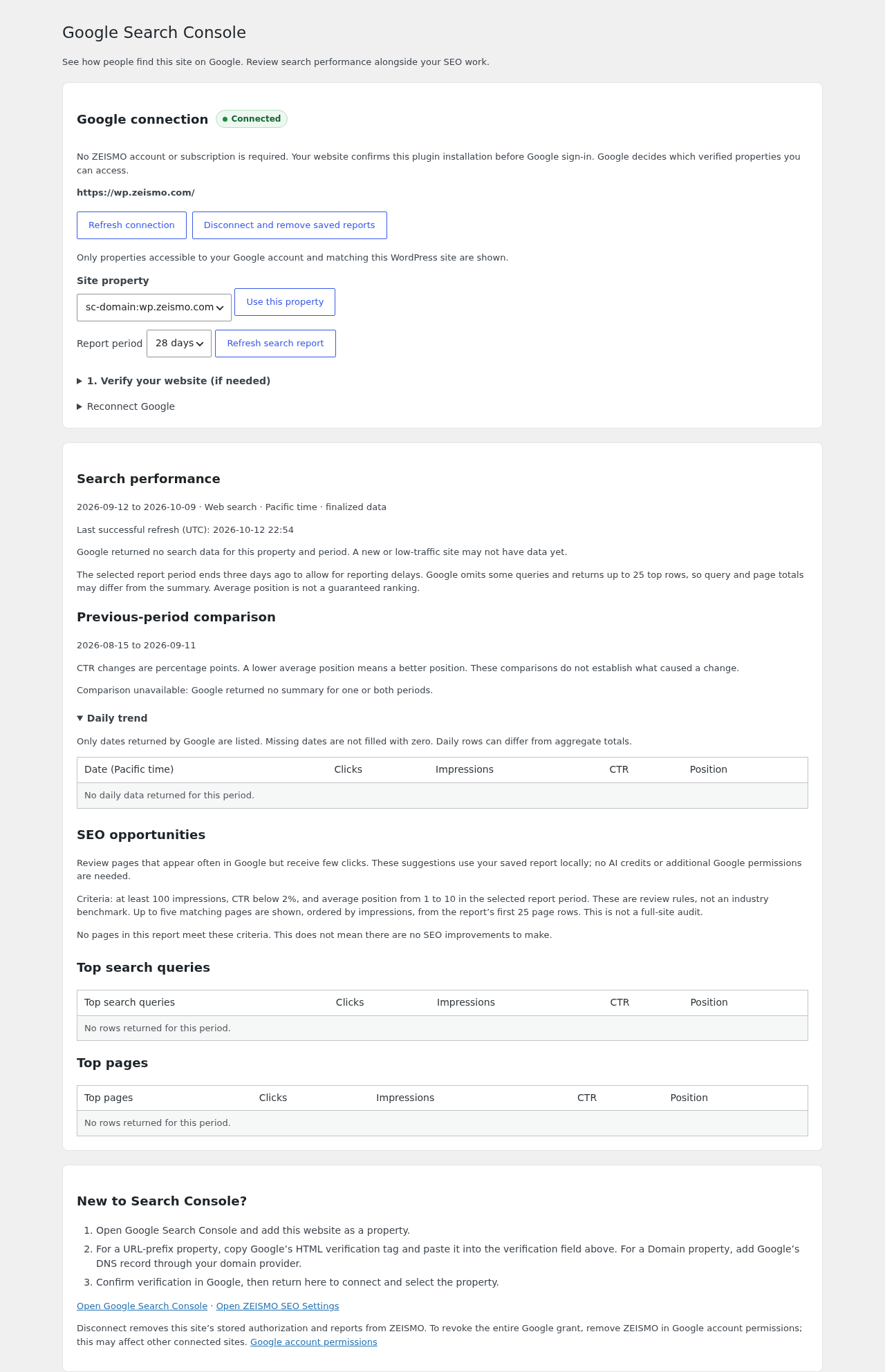
Open ZEISMO SEO → Search Console. Your site must be reachable over public HTTPS so the service can verify this plugin installation. No ZEISMO account, subscription or AI credits are required.
- Verify your site with Google if needed.
Expand Verify your website. For a URL-prefix property, save the HTML verification tag here, clear page caches and complete verification in Google. Domain properties use a DNS record at your domain provider.
- Connect your Google account.
Read the data-sharing explanation, tick the consent box and select Connect Google Search Console. Continue to Google, choose the account with access to your site and grant read-only Search Console access.
- Return and select your property.
Return to WordPress and select Refresh connection. Look for the green Connected indicator. Choose a matching property and select Use this property.
- Read your report.
Choose 7, 28 or 90 days, then Refresh search report. Reports show their last successful refresh time. Refreshes are limited to once every 15 minutes and periods end three days ago to allow for reporting delays.
Verification and robots settings
Settings → Ownership verification accepts verification values for supported services. Use the fields as labeled; do not paste passwords or account credentials.
Advanced robots and the robots.txt additions in Diagnostics affect how crawlers are instructed. Review the resulting public output after saving. Keep private material behind real authentication.
Understand feature states
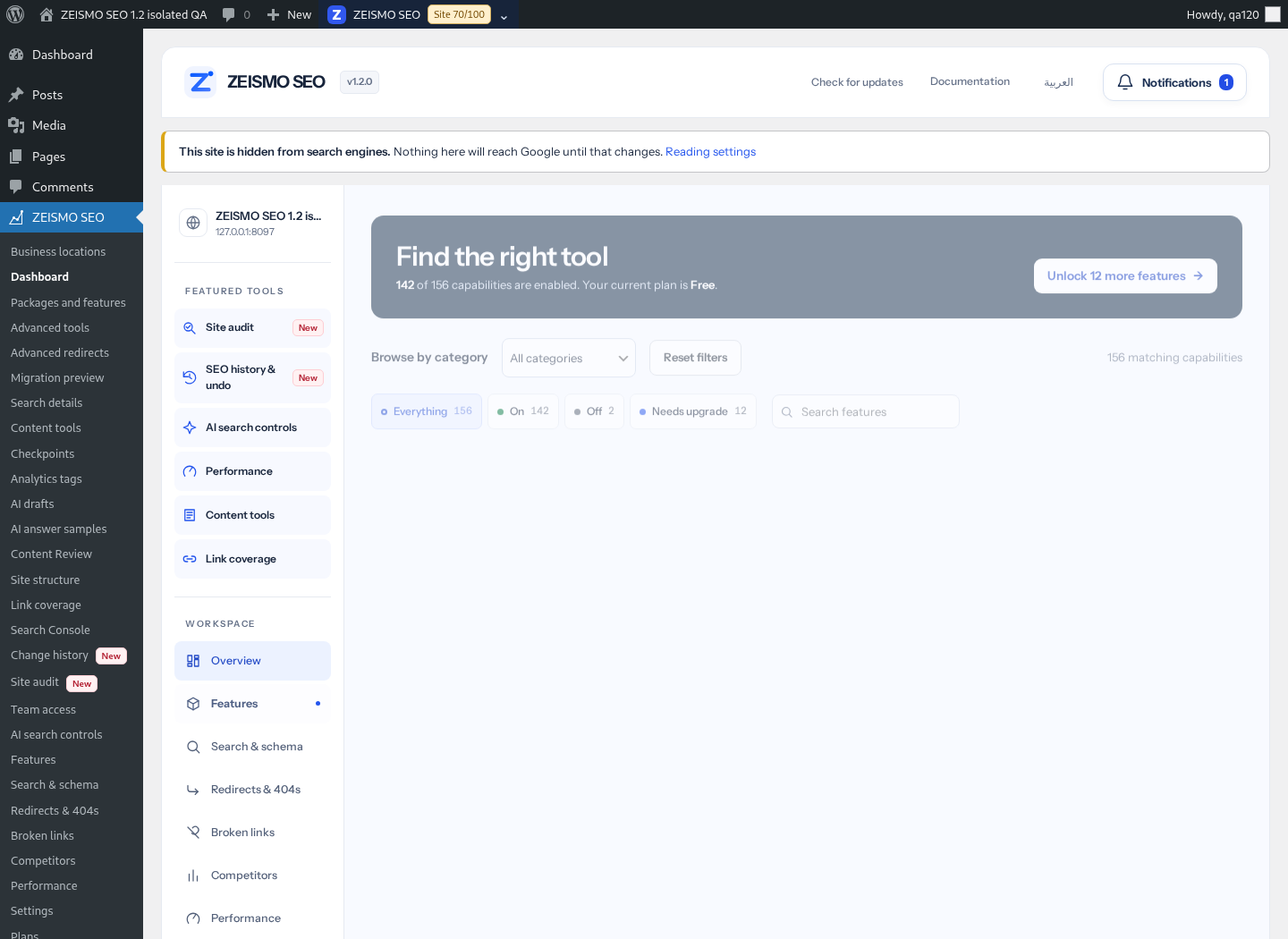
| State | What to do |
|---|---|
| ON | The implemented capability is enabled. Use Manage or its related screen when available. |
| OFF | The capability is disabled. Review its description before switching it on. |
| Upgrade | Your current build or account plan does not grant that capability. Review Plans. |
Optional on-page navigation
Use a WordPress Shortcode block where you want the output to appear. Preview the page before publishing.
| Shortcode | Purpose |
|---|---|
[zeismo_toc] | A table of contents from the page's headings. |
[zeismo_sitemap] | A visitor-facing list of published pages and posts. This is separate from the XML sitemap. |
[zeismo_howto] | Display the How-to steps saved for the current page. |
Inspect a page in Search Console
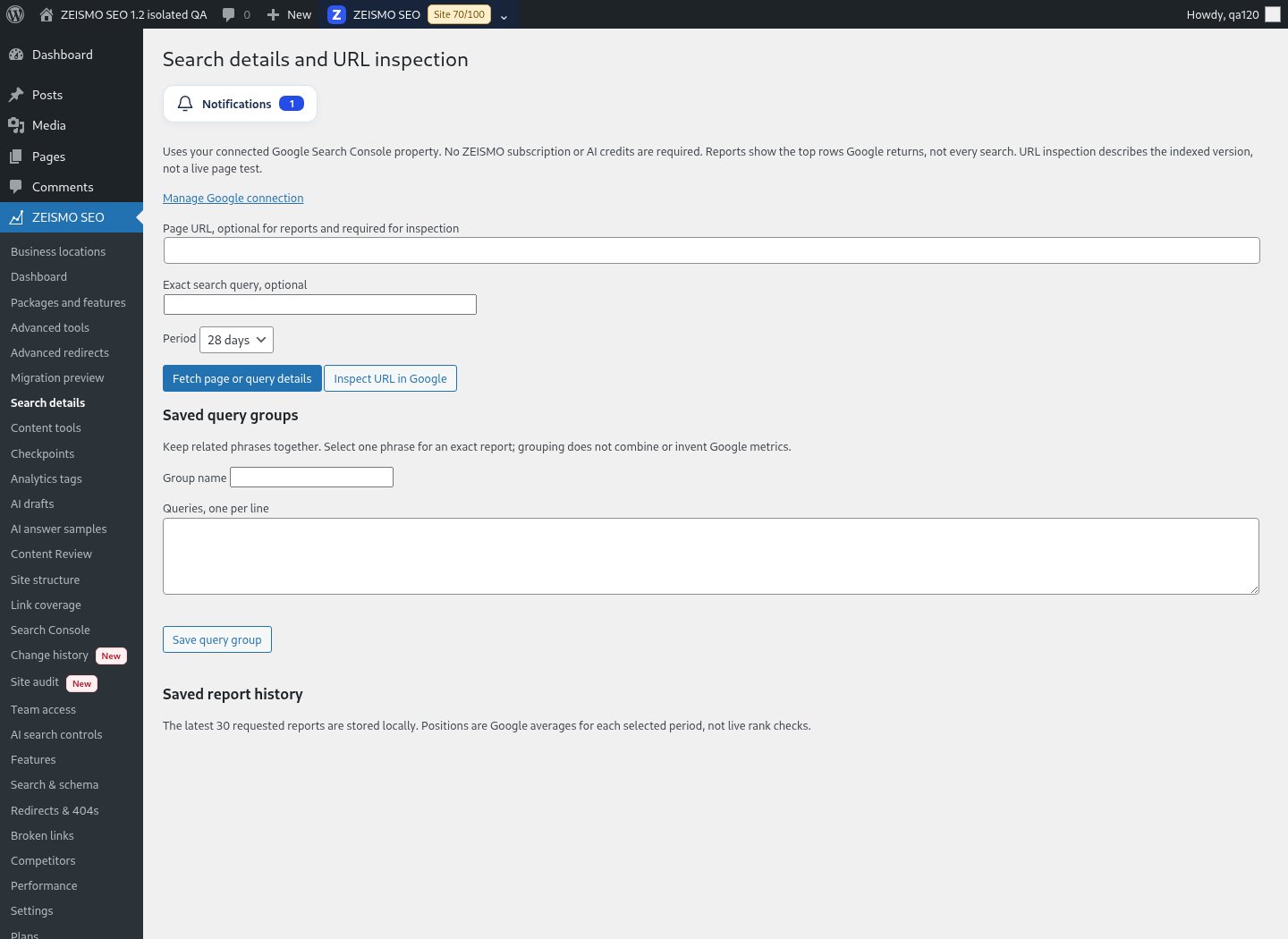
Open Search details, choose a page belonging to the authorized property and request a detail report or URL inspection. Inspect the saved timestamp and any unavailable fields. Google reporting limits and refresh controls apply. These reports do not edit content or request indexing.