SEO Inspector

Free Chrome extension

A clearer view
of your page.

Check your page’s SEO, images and structured data. Turn what you find into your next useful edit.

Free to use · No account · Version 1.0.2

Install using Chrome on your desktop or laptop.

On-device analysisNo background scansYour editor stays in control

Inside the inspector

Less guesswork.
More useful detail.

Inspect the page you choose, review the findings, then make lasting changes in your website editor.

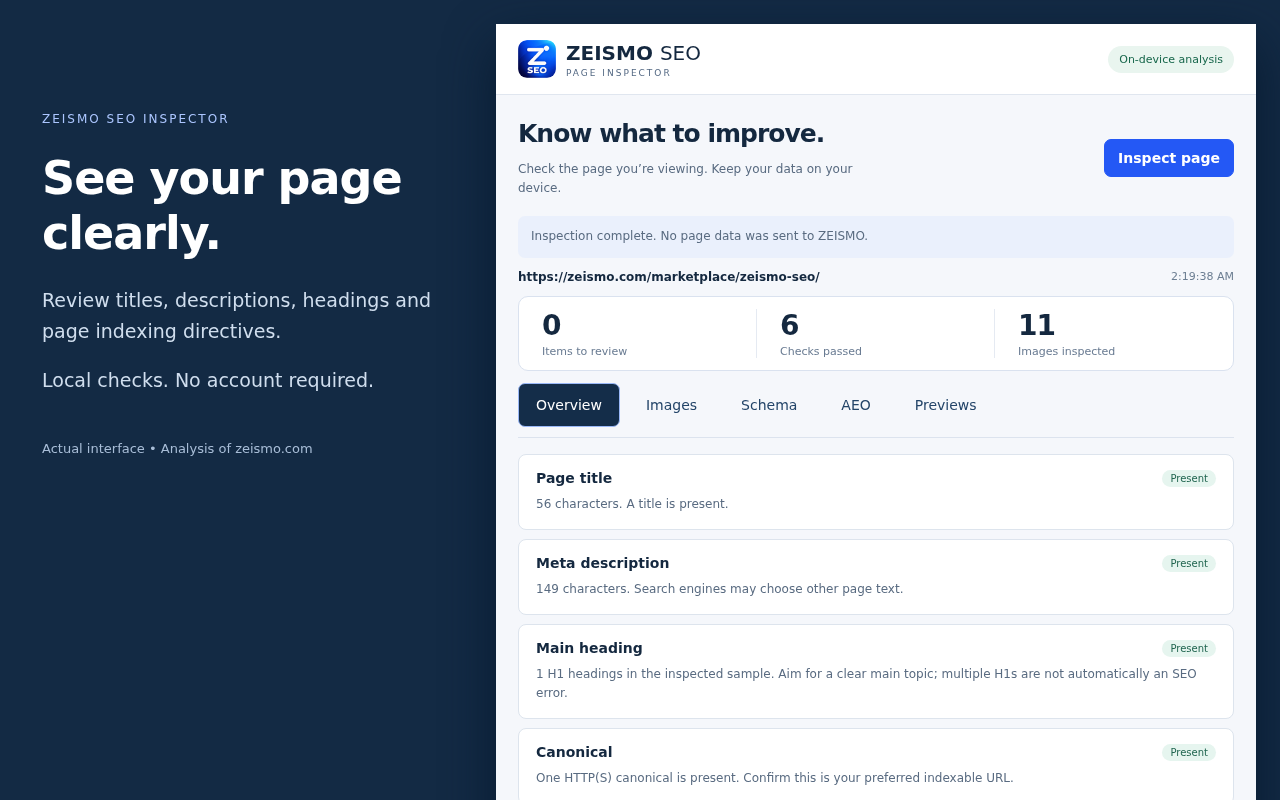
ZEISMO SEO Inspector overview showing page metadata checks
Actual extension interface on a sample page. Tap to view full size.

Read the page’s SEO

Review titles, meta descriptions, headings, canonical links, language and page-level robots directives.

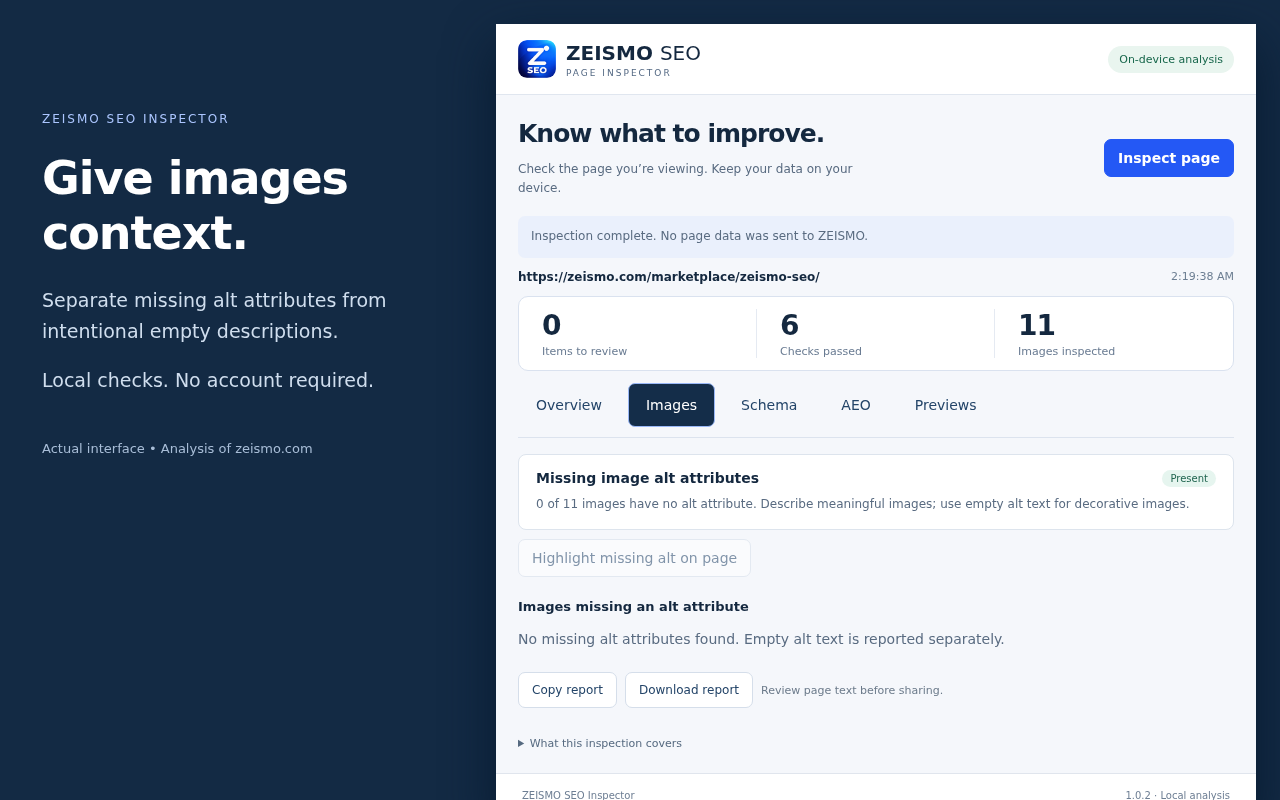
Find missing image descriptions

Separate missing alt attributes from intentionally empty alt text. Highlight missing-alt images temporarily.

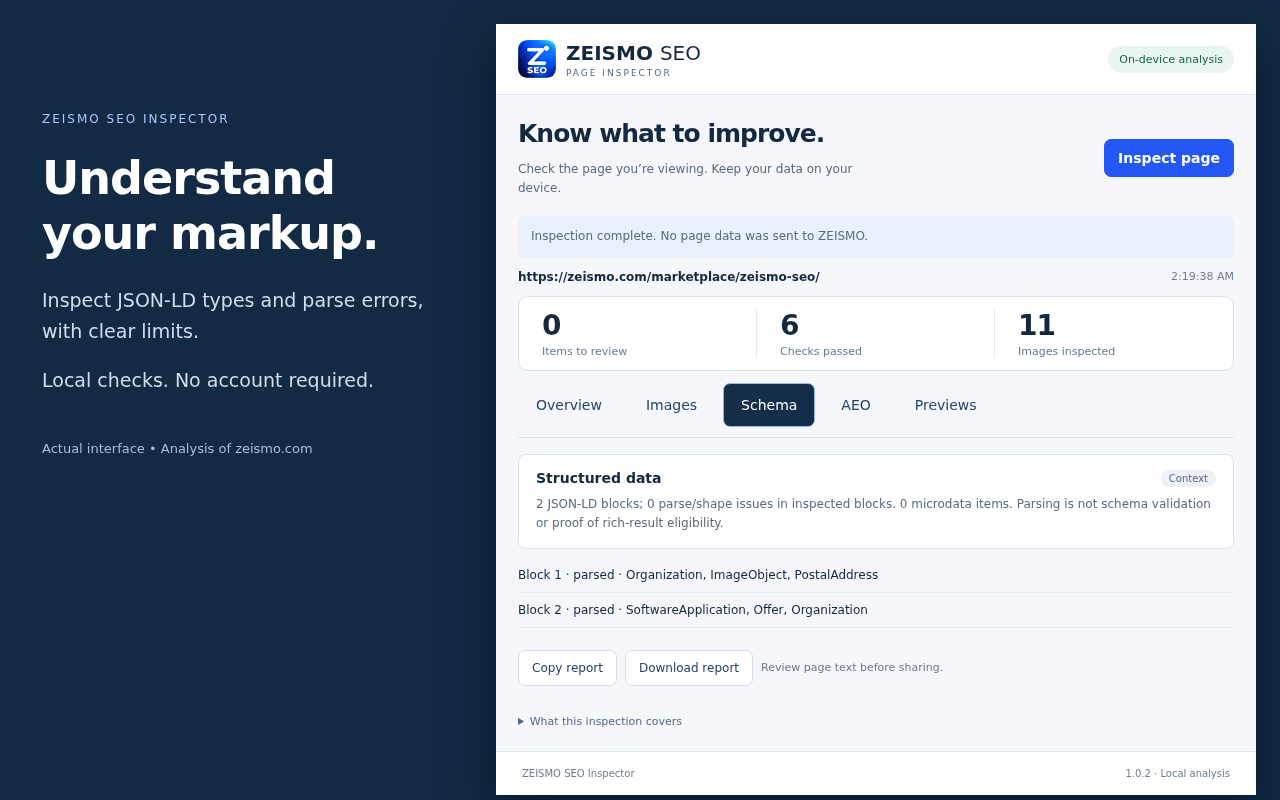
Inspect structured data

Explore JSON-LD types and parsing errors, plus microdata counts. Parsing is not a guarantee of rich results.

Getting started

From page to checklist.

  1. 01 / INSTALL

    Add it to Chrome.

    Open our Chrome Web Store listing, choose Add to Chrome and confirm Add extension. Pin SEO Inspector from the Extensions menu.

  2. 02 / INSPECT

    Choose your page.

    Open a normal webpage, click the extension and choose Inspect page. Re-inspect after navigation or content changes.

  3. 03 / IMPROVE

    Take the next step.

    Review the findings and copy or download a report. Edit through your website’s publishing tools, then inspect again.

Explore the views

Look closer, where it matters.

Before you begin

A few helpful answers.

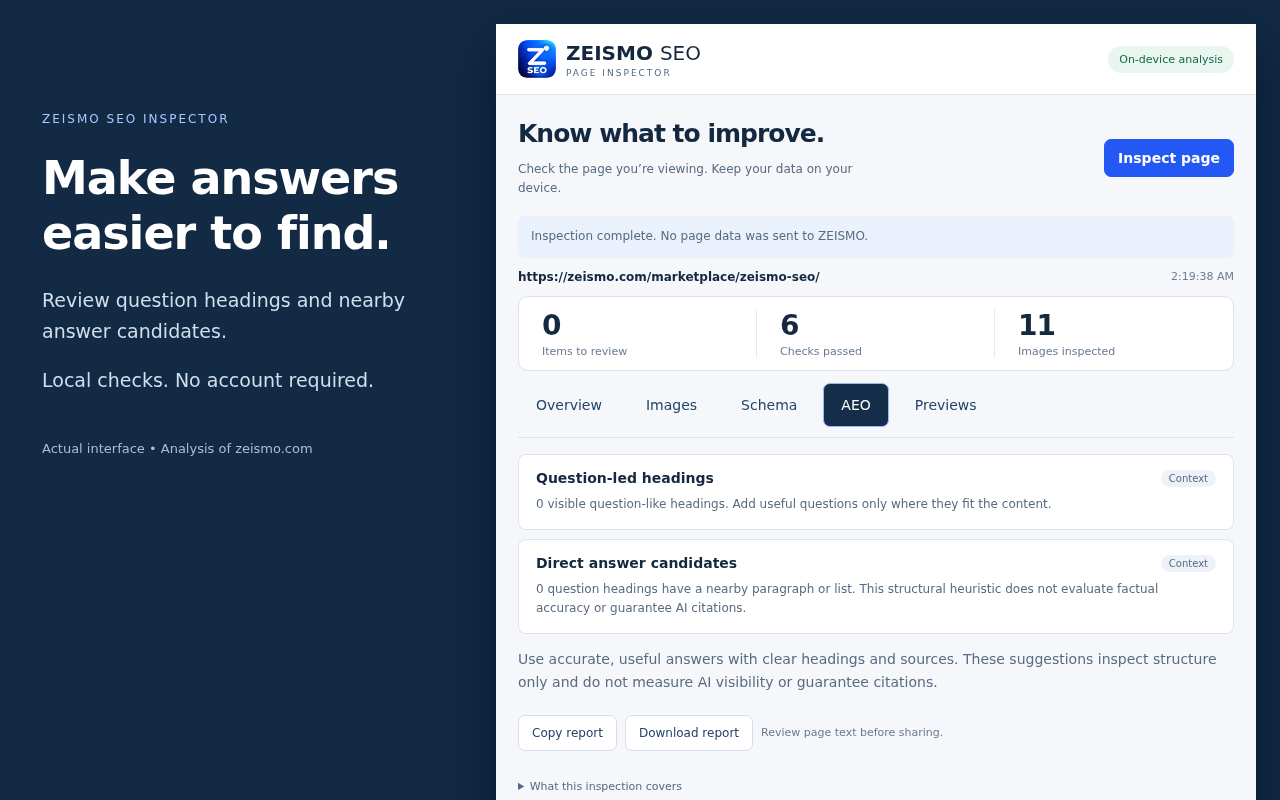
Does this send my page to ZEISMO?

Local inspection does not send page data to ZEISMO. Version 1.1.0 adds an optional AI workspace: only the text you review and explicitly submit is sent to ZEISMO and Anthropic. The documentation website separately receives normal website requests when you visit it.

Does it improve rankings automatically?

No. It helps you review on-page information. You decide which changes to make in your website editor; rankings and AI citations are not guaranteed.

Can it inspect WordPress and Shopify pages?

Yes, ordinary rendered pages that Chrome allows it to access. It does not connect to your WordPress or Shopify account, edit content or replace the separate ZEISMO products.

Does it support Arabic?

The interface is English. Unicode page text, including Arabic, can be inspected. No Arabic interface is advertised.

What information does it access?

The selected page URL and relevant visible content/DOM, including metadata, headings, image attributes and structured data. Reported URL query strings, fragments and credentials are removed, but page text may still be private.

What are the inspection limits?

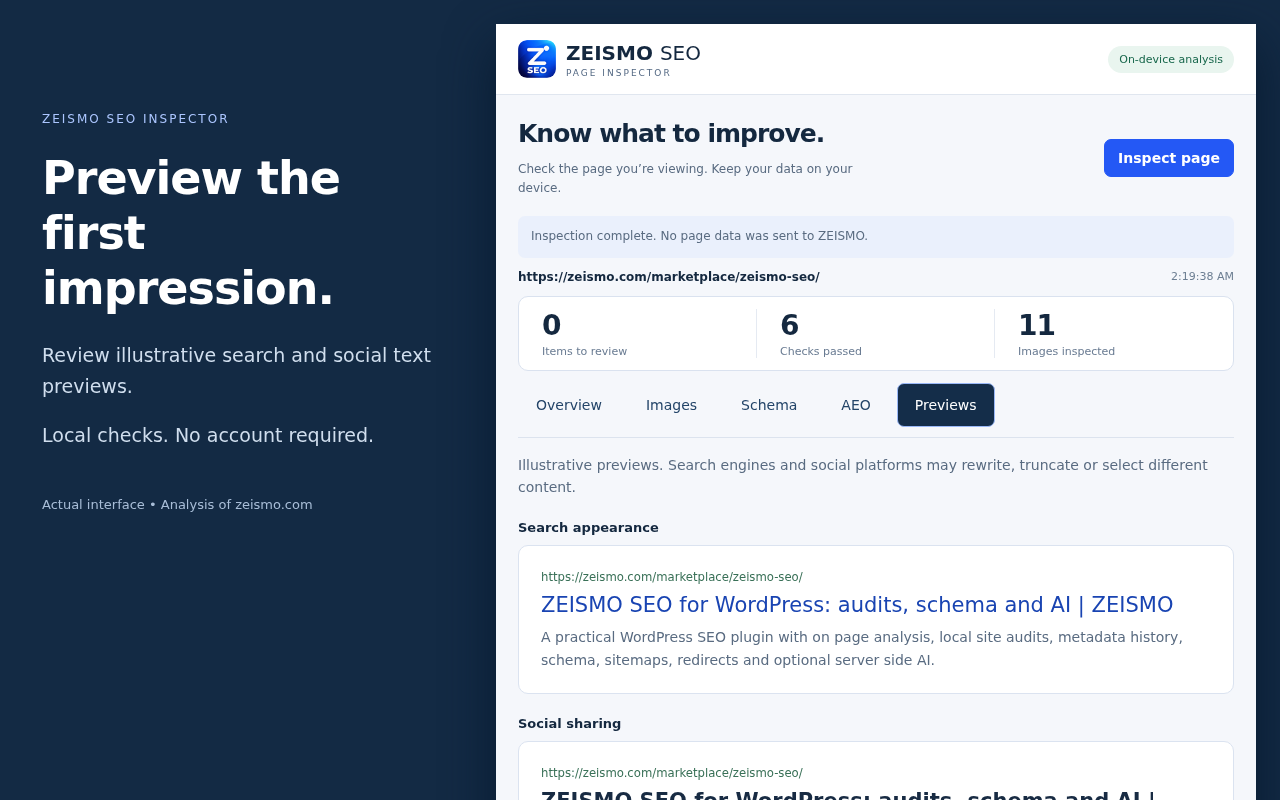
The inspector reviews the rendered page, not a whole website. It does not check Google indexing, HTTP headers, robots.txt, embedded frames or shadow roots. Detail lists are capped at 300 headings, 100 missing-alt image details and 40 JSON-LD blocks up to 250 KB each. Truncated results are labelled. Search and social previews are illustrative; social images are not fetched.

Why can’t I inspect a page?

Chrome settings and the Chrome Web Store block extension inspection. Open a normal HTTP or HTTPS webpage, reopen the extension and try again. If copying fails, use Download report. Temporary image outlines clear after 20 seconds or a second click.

How do I remove the extension?

Open Chrome Extensions and select Remove. Copied text and downloaded reports remain under your control and are not deleted automatically.

Need a hand?

Send your Chrome version, extension version and a public example URL. Keep passwords and private reports out of your message.

Contact support

VERSION 1.1.0 UPDATE

Optional AI. The same control.

This update is being prepared for Chrome review. The currently available Store version remains 1.0.2 until Google publishes the update.

Sign in when you need AI

Open AI workspace, choose Sign in with ZEISMO, and approve the connection on app.zeismo.com. New customers can create a free SEO account from the sign-in page. Verify your email, then choose Sign in with ZEISMO again. No WordPress installation is required. Existing linked customers share their SEO plan and credit wallet. Legacy unlinked accounts require their original connection proof. Website-specific WordPress gifts do not include Chrome AI access; contact support for help.

Review every request

Edit the title, focus phrase and text, choose a tool, and confirm consent before Generate suggestion. Free and Starter include title/description suggestions. Growth and Scale also include briefs and content improvements. Copy useful suggestions into your own editor; no automatic website edits.

Read response timing

A small HTTP response value shows the last document load, with Good, Normal, Fair, Weak or Bad color labels. It includes network/CDN/server wait, not a true network ping or pure server execution time. Cached and unavailable samples stay neutral. Expand the details for thresholds.

Stay in control

Refresh usage after an uncertain request; it is never automatically retried. Sign out to clear the local connection. Sessions expire within eight hours and after browser restart. See the updated privacy policy before using optional AI.

Release notes

1.1.0 — awaiting Chrome Store submission

Optional ZEISMO sign-in, shared SEO allowances and credits, AI title/description drafts, Growth and Scale content briefs and improvement suggestions, and document response timing. The backend has passed live login, three-tool generation, credit accounting and sign-out tests.

1.0.2 — currently published

Local page inspection without an account. Existing installations keep this behavior until the Store update is available.